
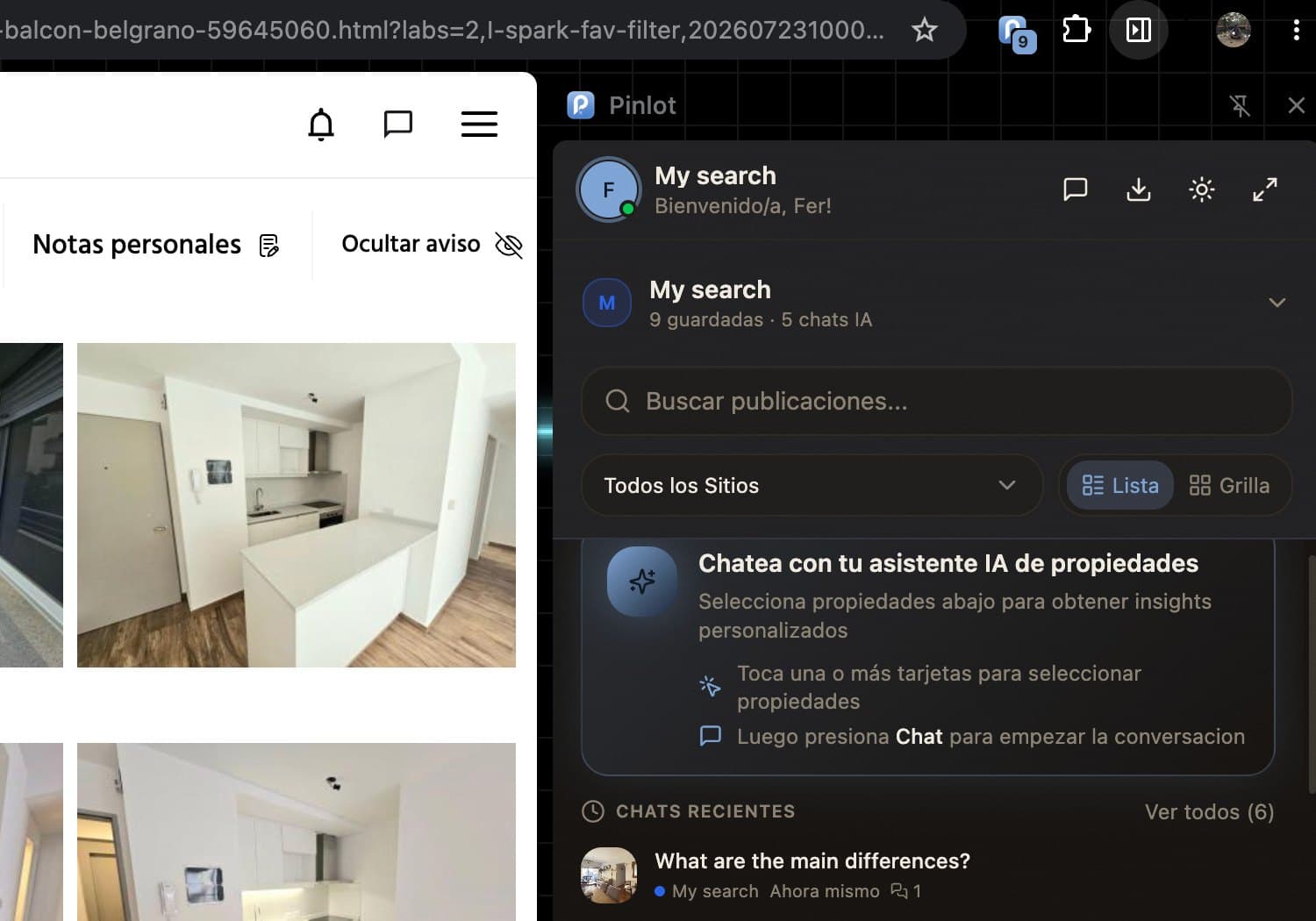
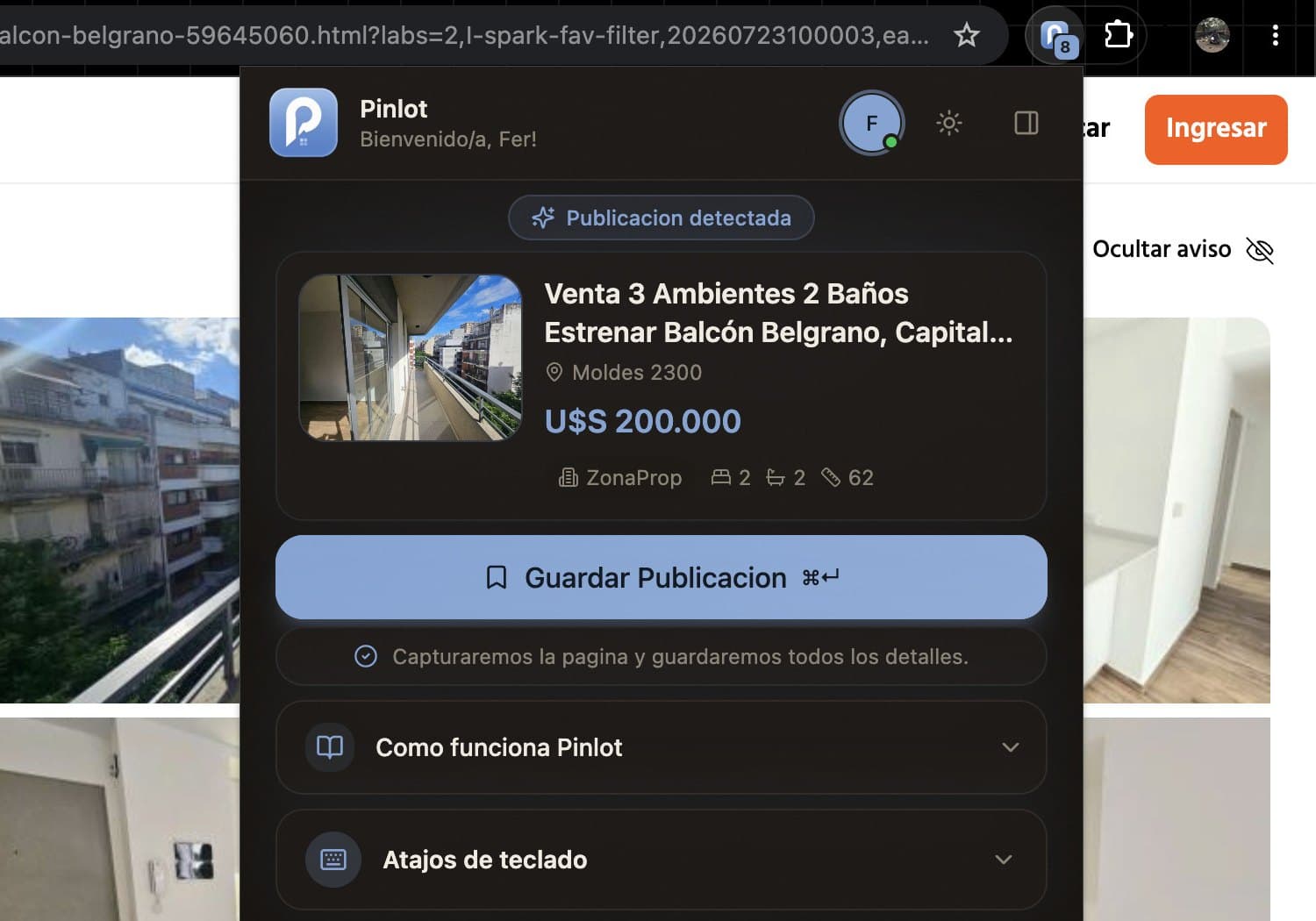
Capture while you browse
Open a supported listing and save its price, photos, location, features, and source link from Chrome.
The research desk for real estate agents
Save properties from 48 portals, keep each client search in its own project, and compare options side by side before you advise.
48 supported portals
One place for the portals your clients are already browsing.
A calmer property workflow
Pinlot keeps the evidence, the context, and the next action attached to each property.
Open a supported listing and save its price, photos, location, features, and source link from Chrome.
Keep each search in a dedicated project so shortlists, notes, and changes never get mixed together.
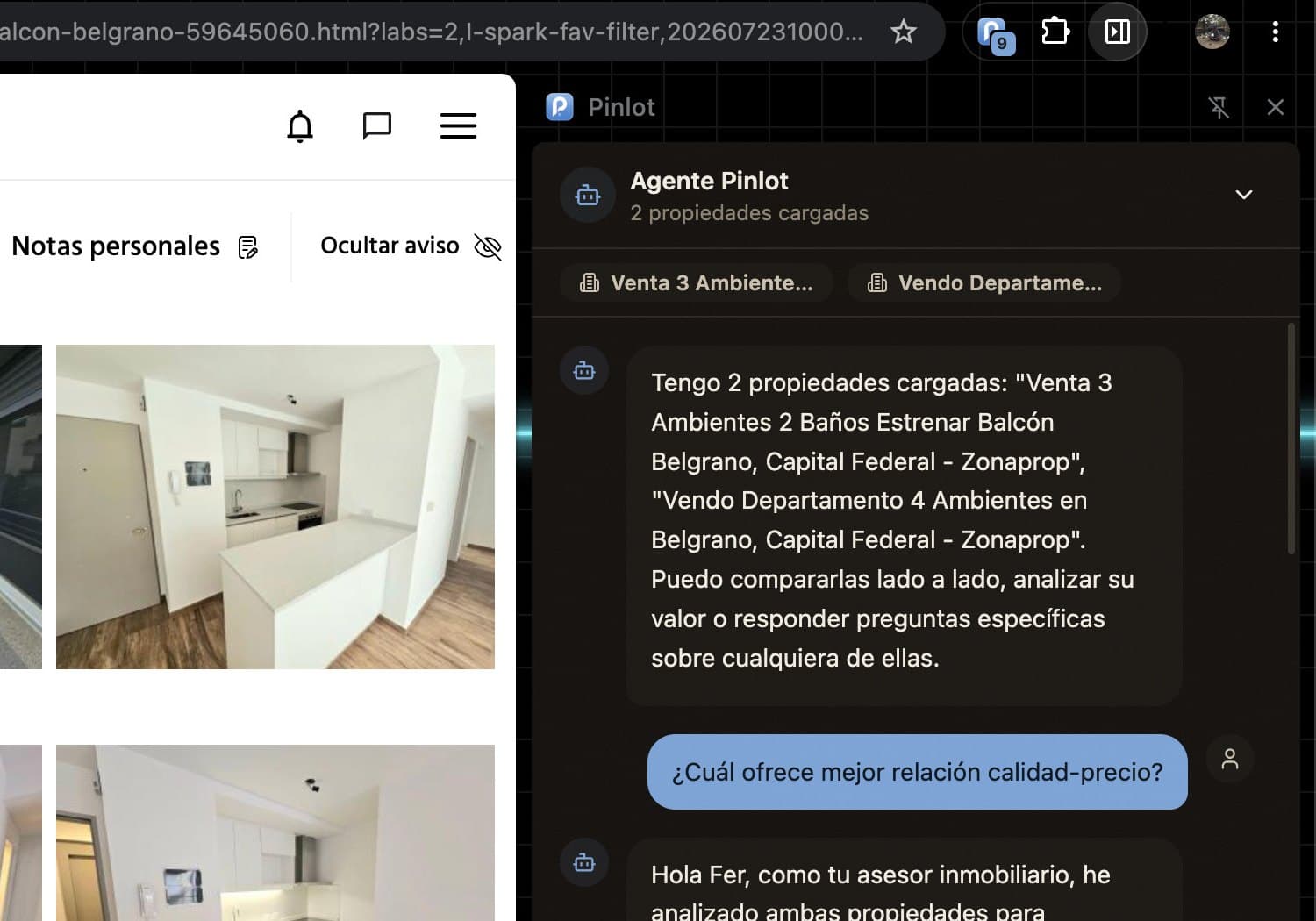
Review price, area, rooms, price per square metre, notes, and tradeoffs side by side.
Send a branded shortlist or prepare a CMA with the reasoning behind the recommendation.
Inside the workspace
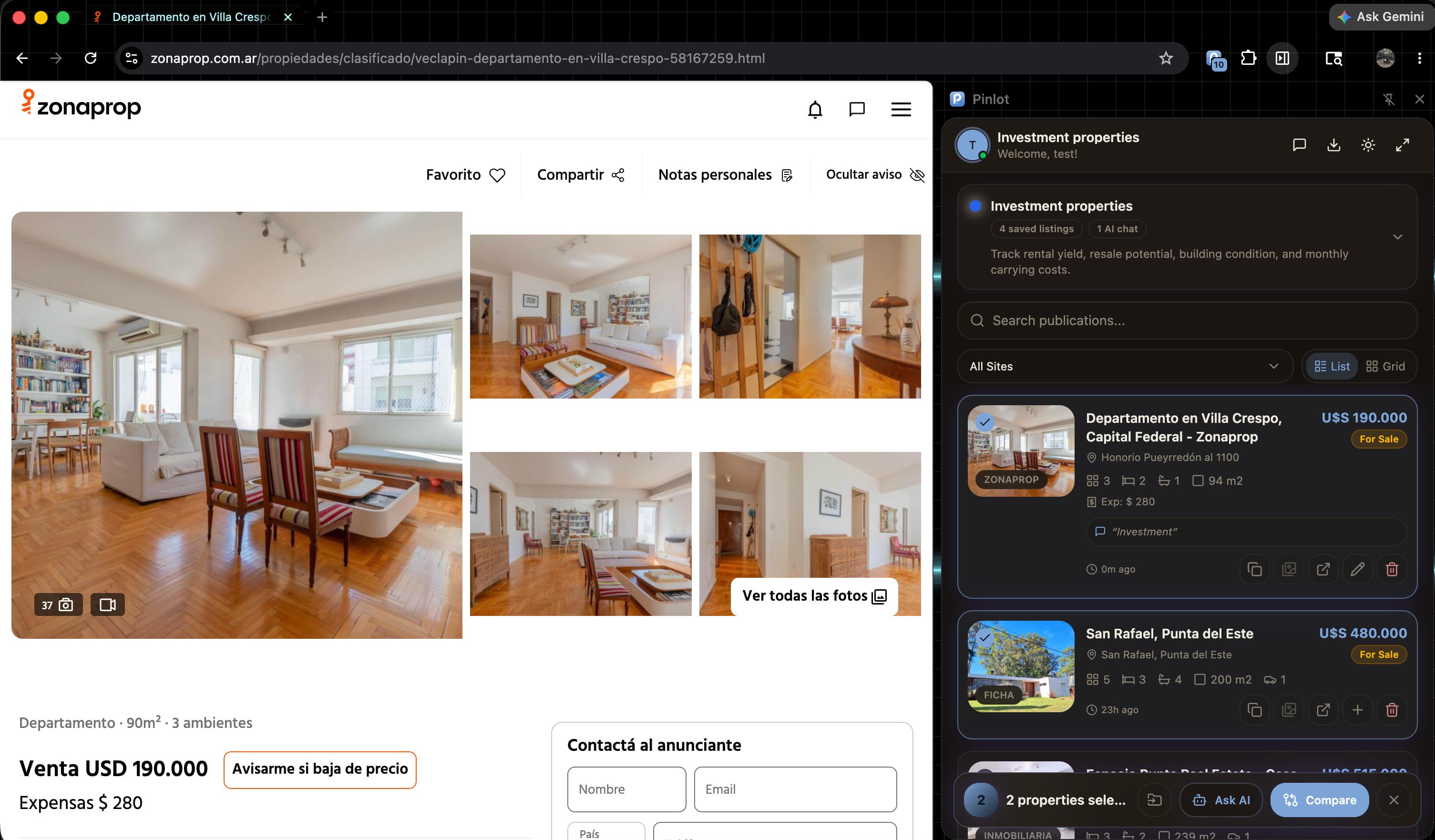
The Chrome extension records the listing while the original page is still in front of you.
Projects, notes, comparisons, and changes remain connected to the property.
Send the shortlist as a shareable collection, or build it into a professional market analysis.
Designed around agent work
Built for agents and brokers running several client searches at once.
Explore Pinlot for agentsKeep every client search separate and current.
Back every tradeoff with the listing it came from.
Deliver branded shortlists and CMA reports.
Use AI to summarize and compare what you selected.
Start free, upgrade when it sticks
Free covers 10 saved listings and 2 projects. Pro removes the listing limit and adds branded sharing, 10 projects, and 50 CMA reports a month.
Before you install
Pinlot reads the listing page you choose to save so it can capture property details. It does not browse on your behalf or sell browsing data.
No. AI helps summarize and compare the information you selected. Agents remain responsible for checking source data and advising clients.
Yes. Shared project links let clients review a curated collection and provide feedback without signing into Pinlot.
Yes. Pro can be managed from account settings, and the Free workspace remains available within its limits.
Your next client search can be cleaner
Install Pinlot for Chrome and save your first property in less than a minute.